



Frequently Asked Questions
how does beaverbot ensure safety?
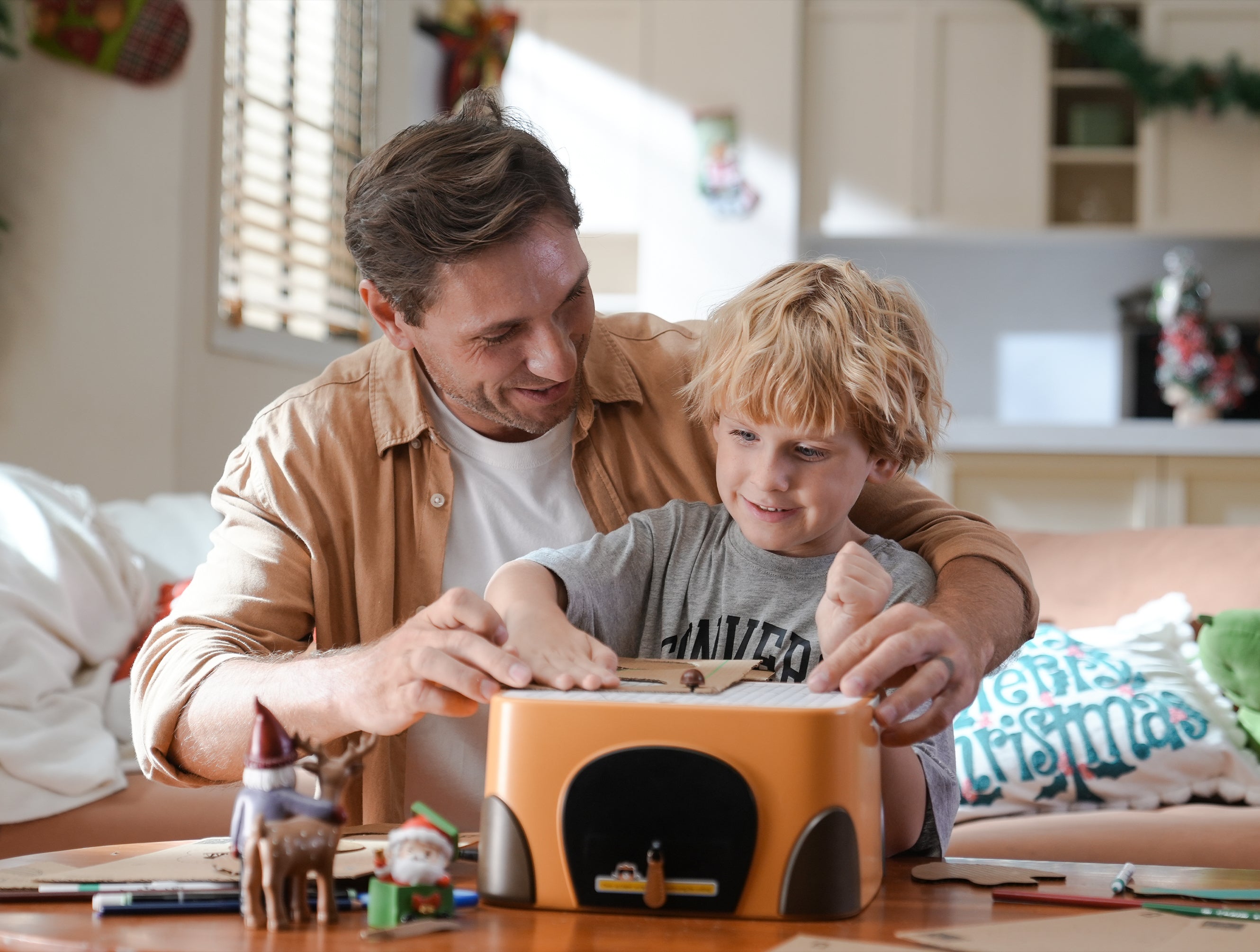
Punching Cutting Mechanism
Title
Stable Workbench Design
Title
How Does BeaverBot Foster Child's Growth?
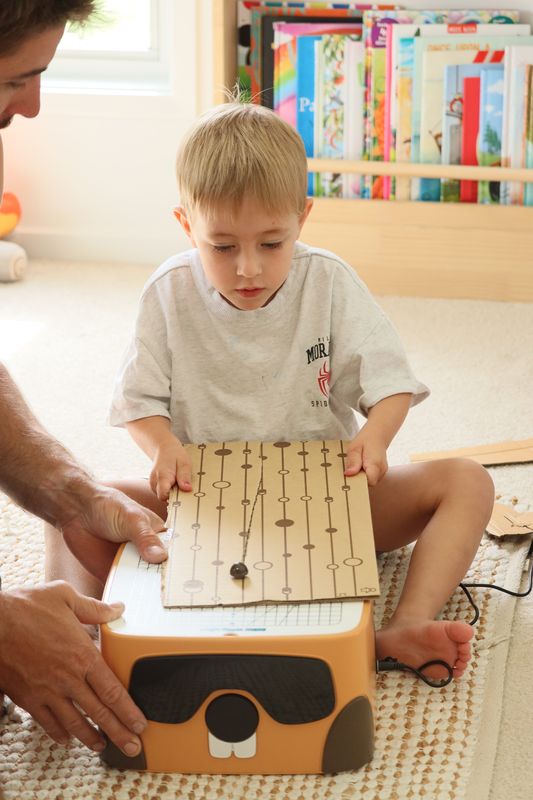
Hands-On Practice For Fine Motor Skills
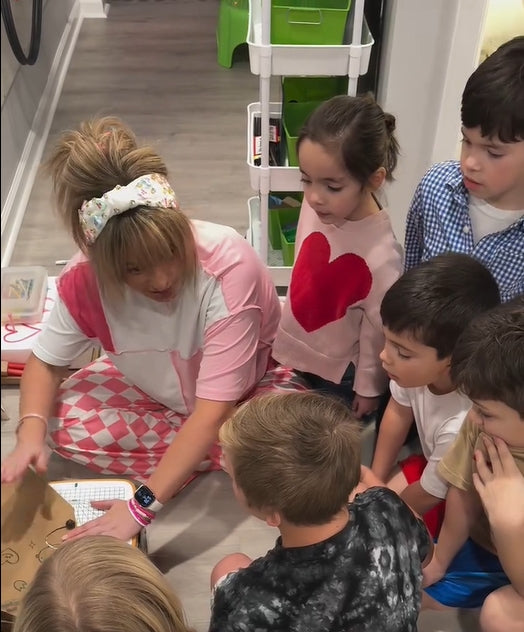
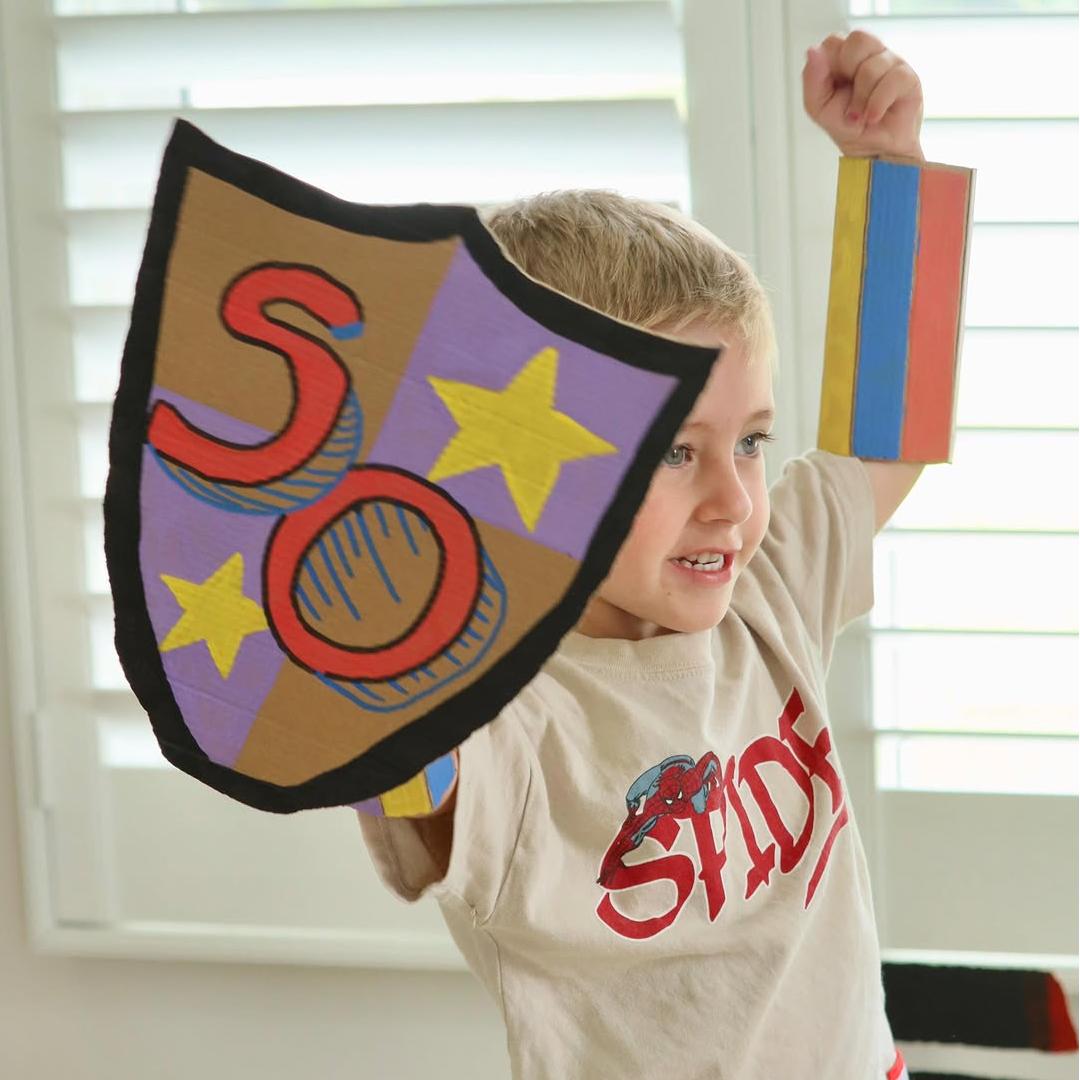
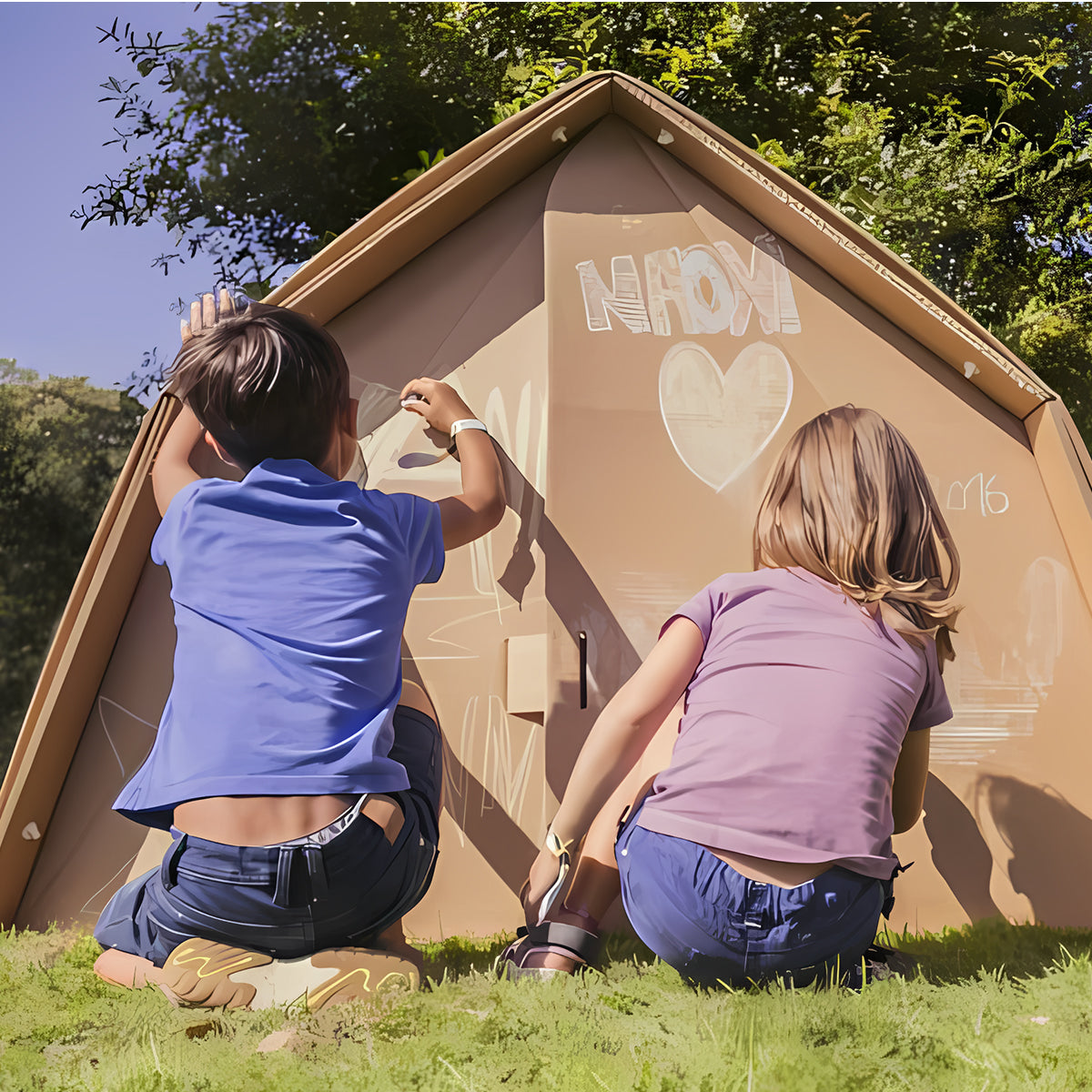
Collaborative Projects For Social Skills
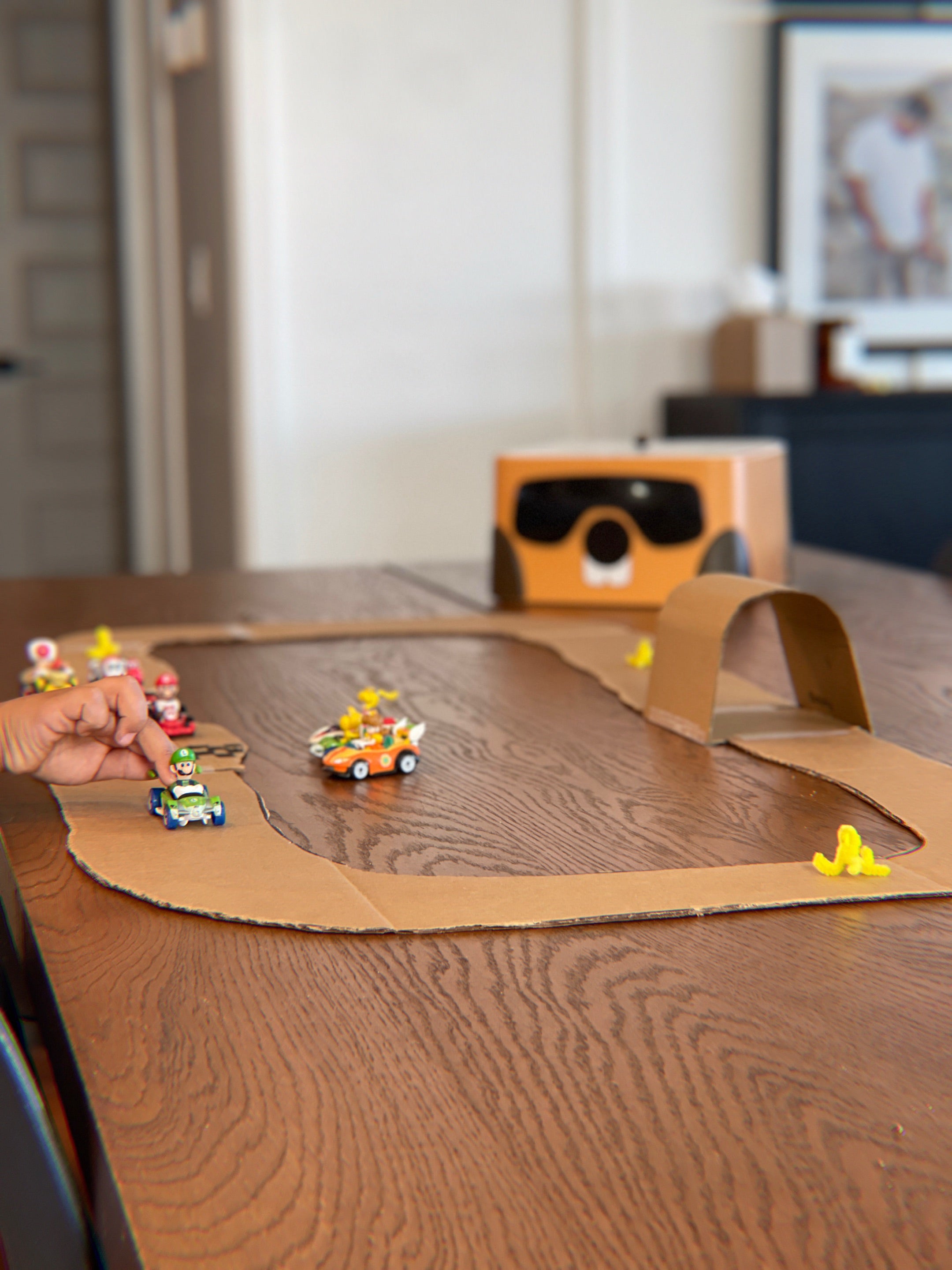
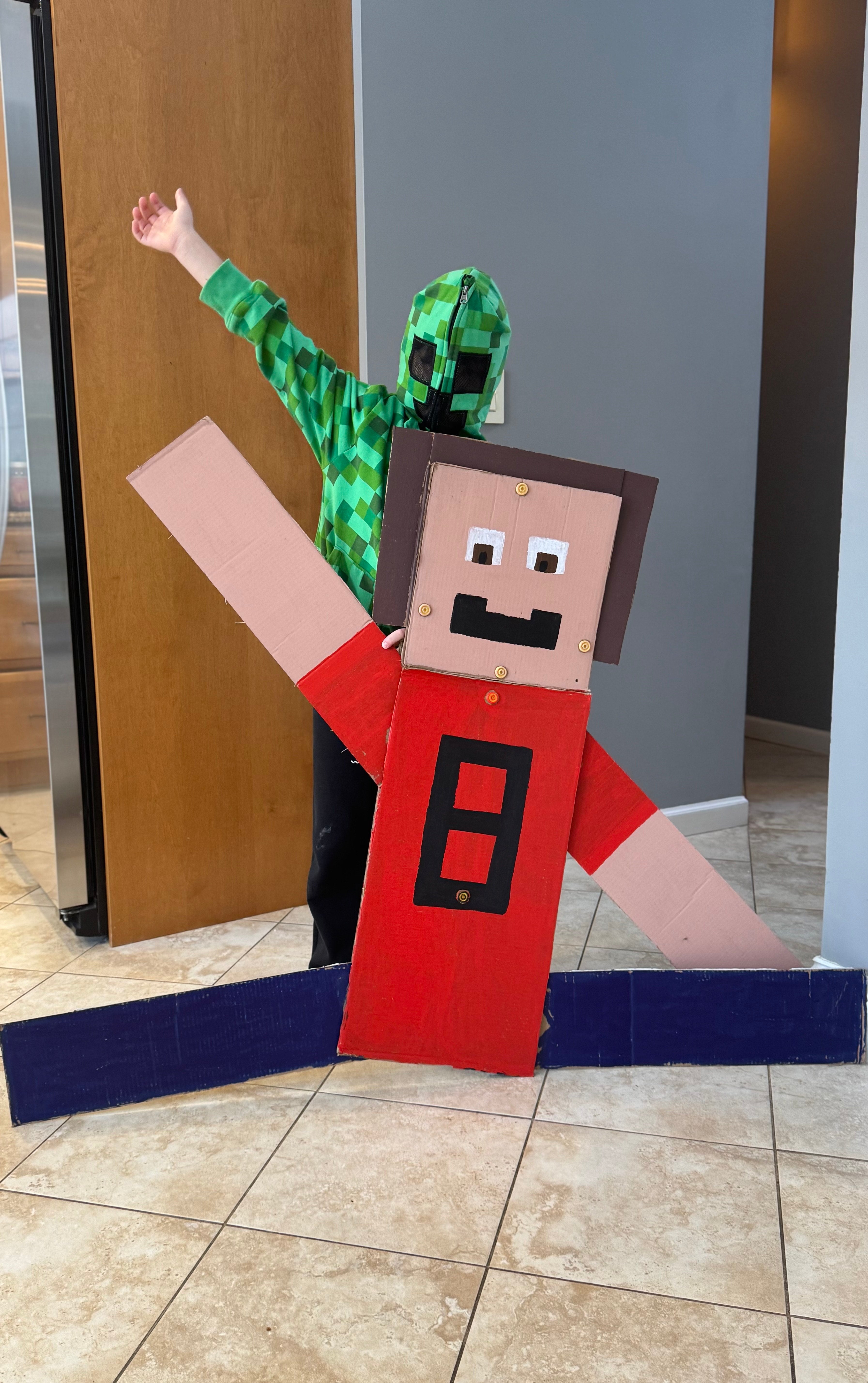
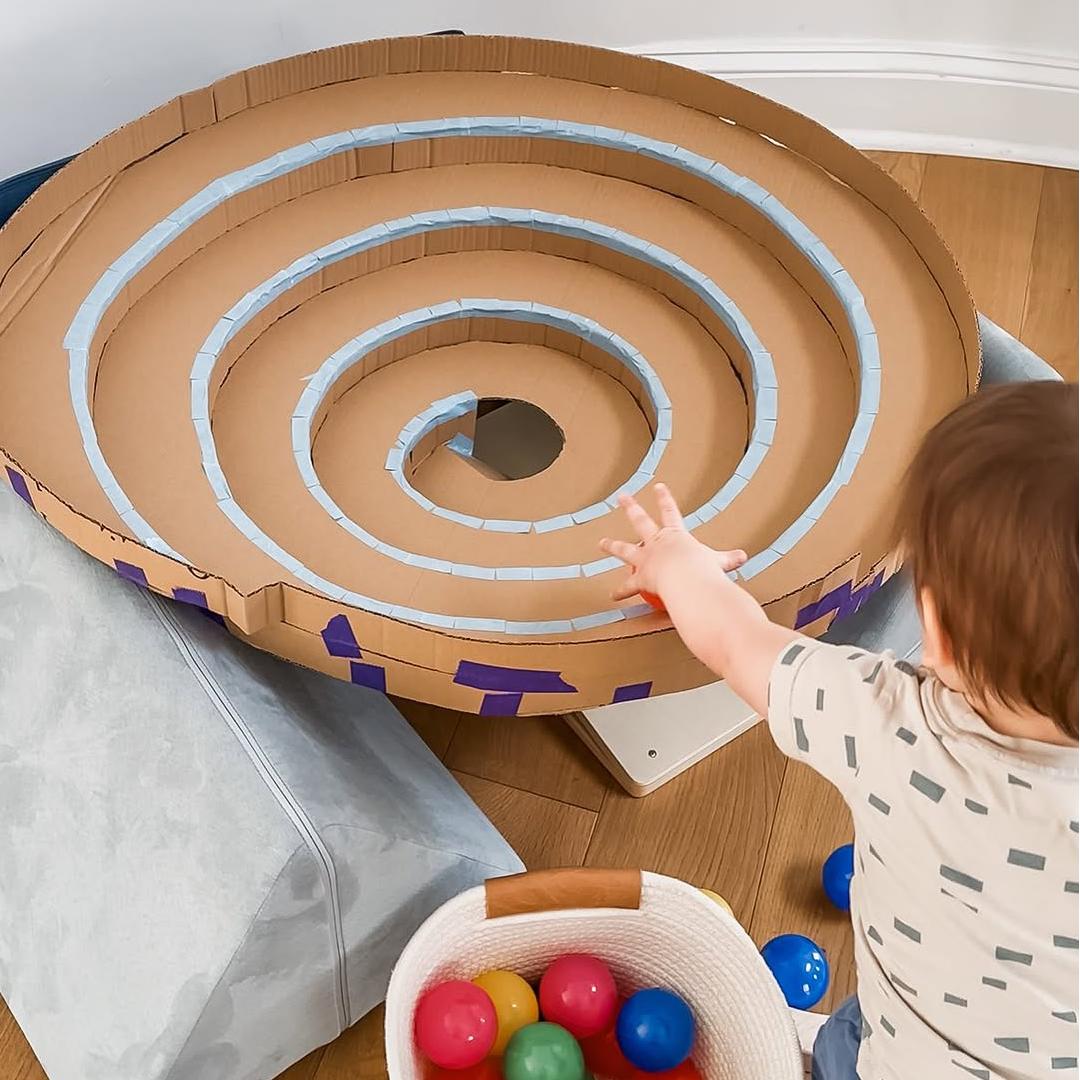
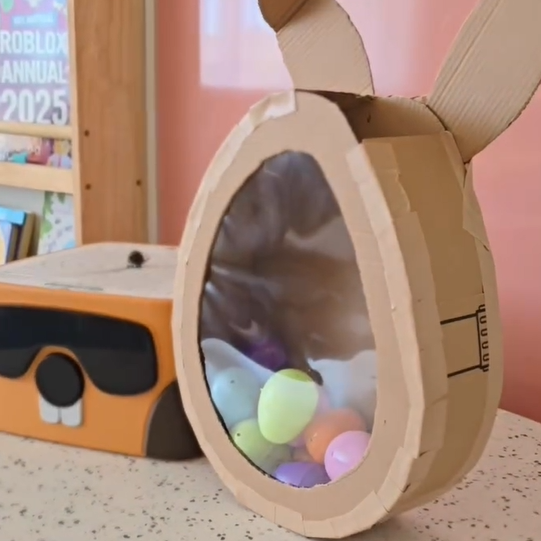
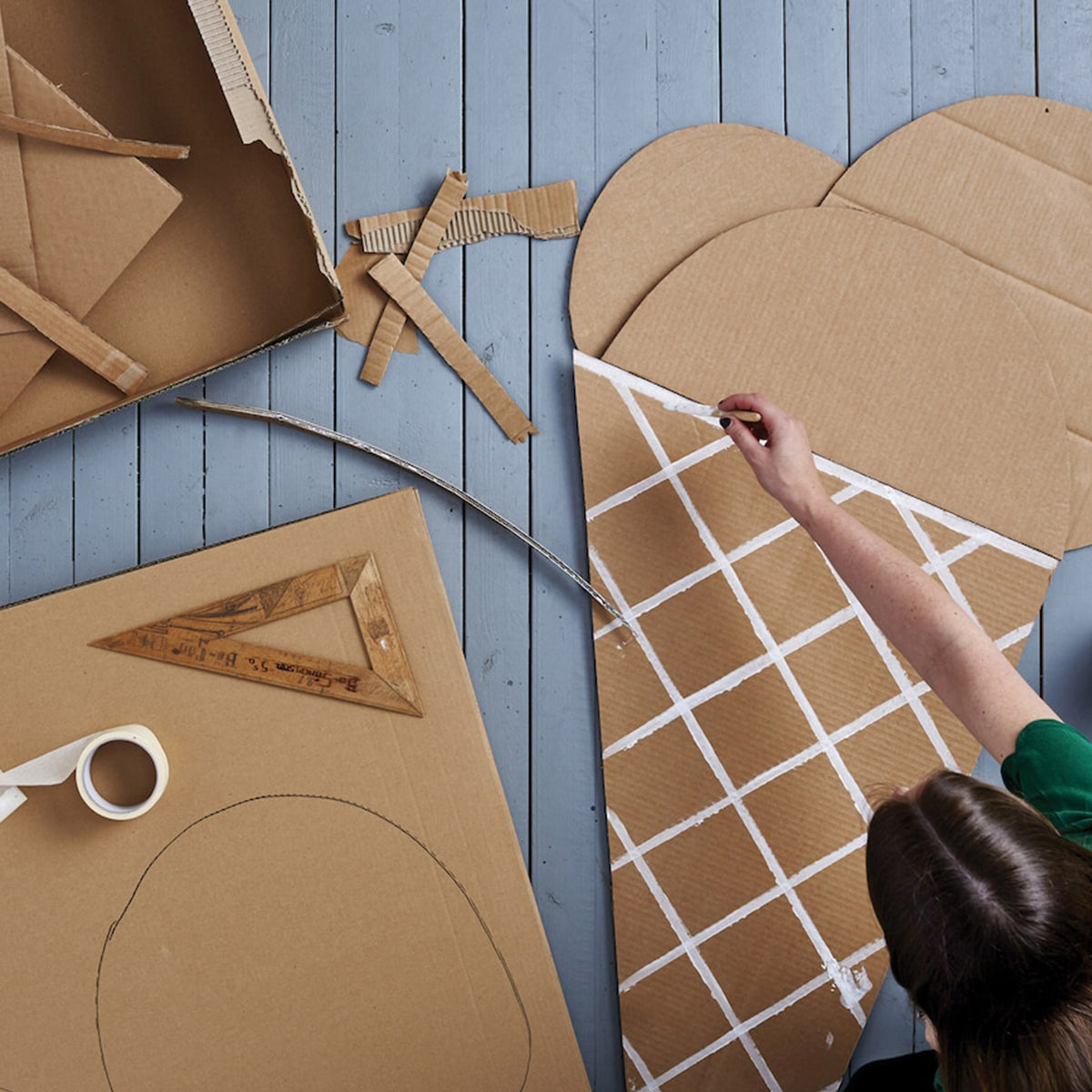
Project-Based Play For Individual Cognitive Skills
Customer Reviews
Based on 70 reviews
91%
(64)
9%
(6)
0%
(0)
0%
(0)
0%
(0)
H
Love having this in my art studio for kids classes! I want 5 more! None of us want class to end.
S
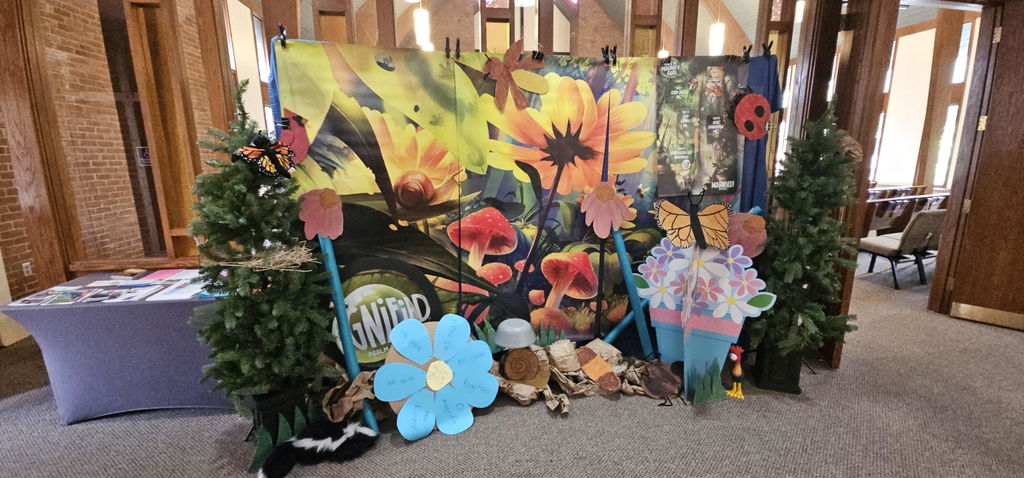
Wish I had gotten one years ago. We do Vacation Bible School every year and decorations and crafts can be a pain. This made making things so much more user friendly. I think it was easier to paint then cut it out.
A
awesome easy to use
C
The BeaverBot arrived and it was really well packaged, and easy to use.
The kids were excited to start using it right away.
They had a great time learning how to use it, and thinking of all the wonderful things they can create!
b
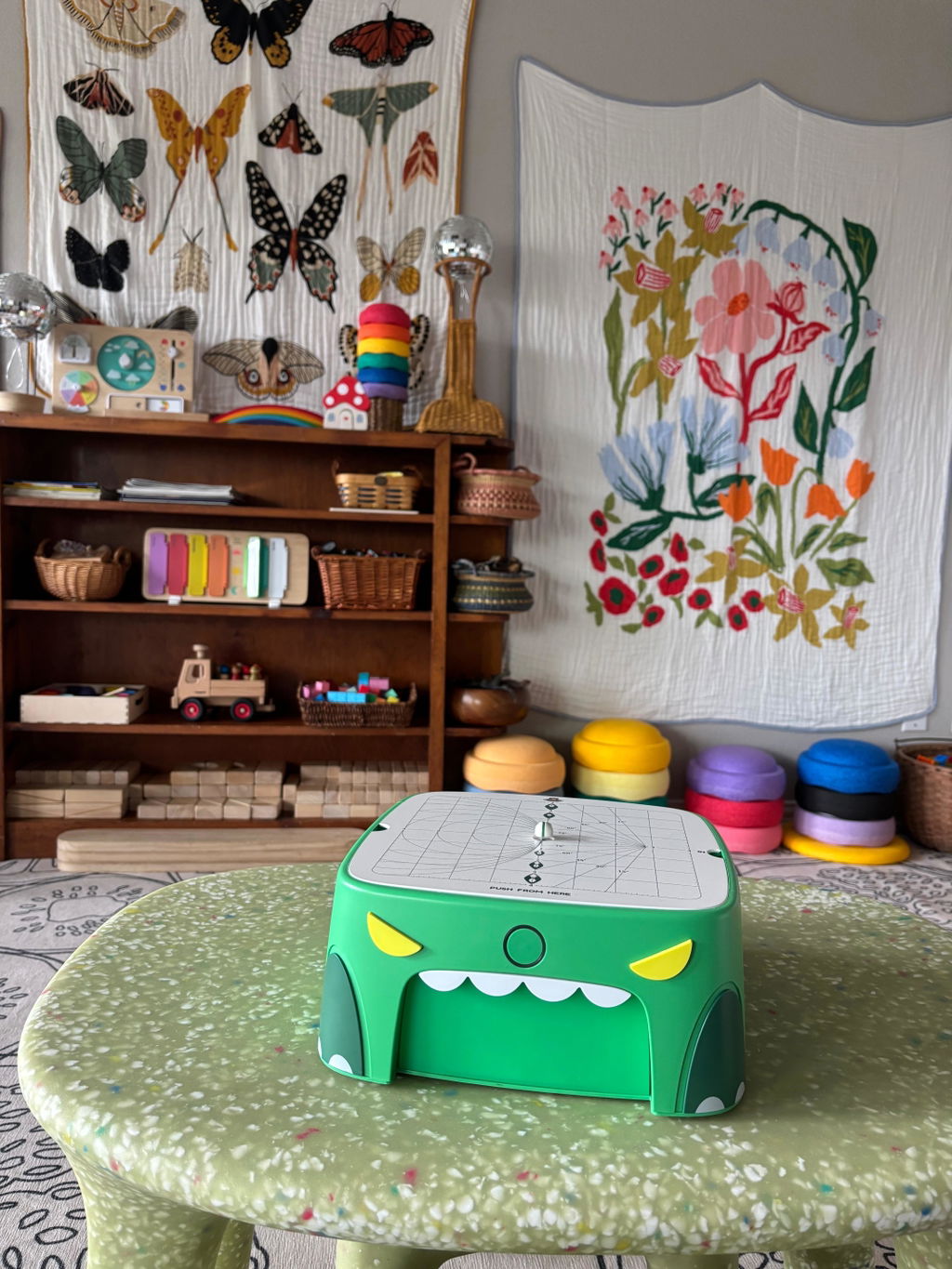
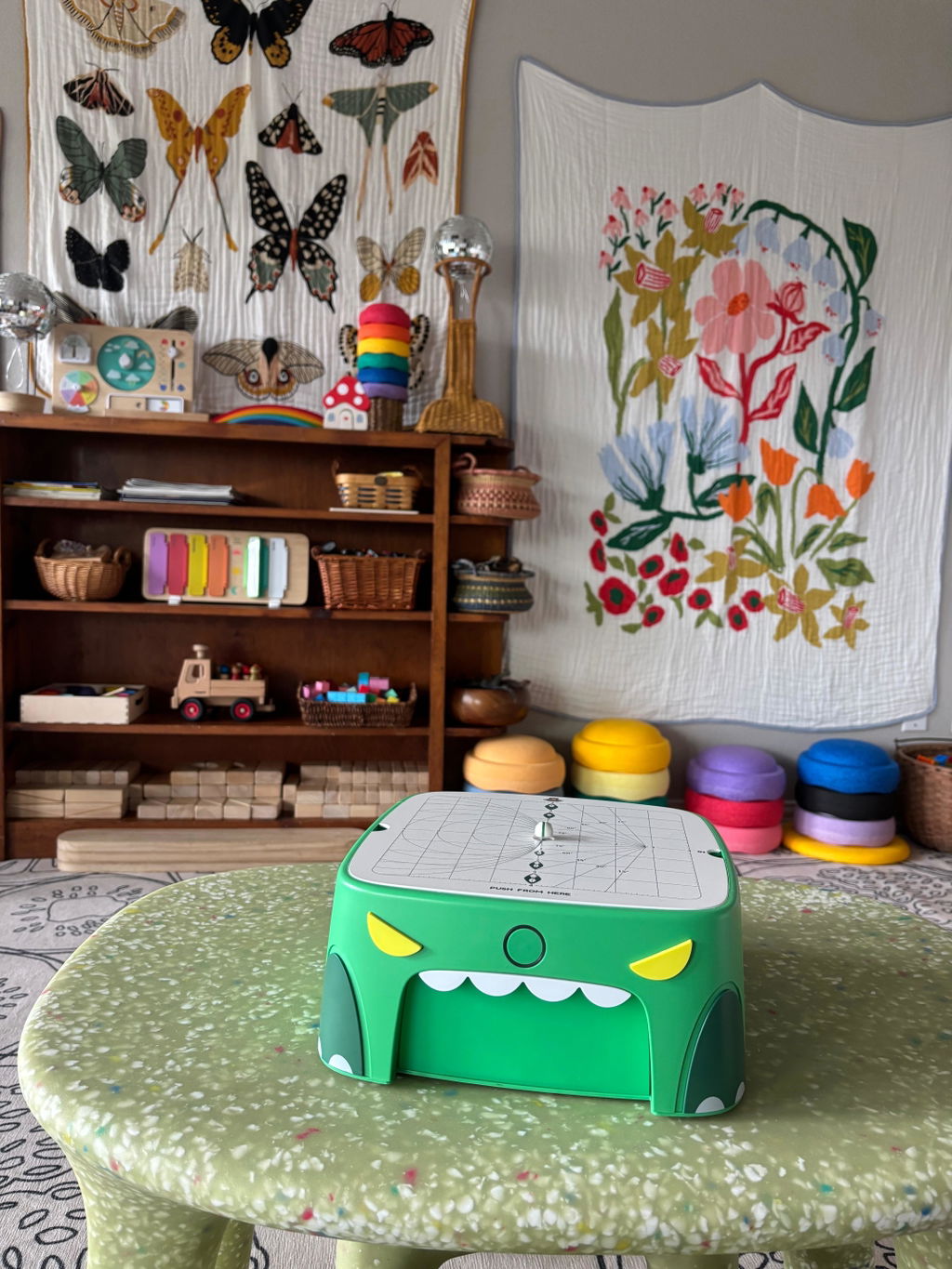
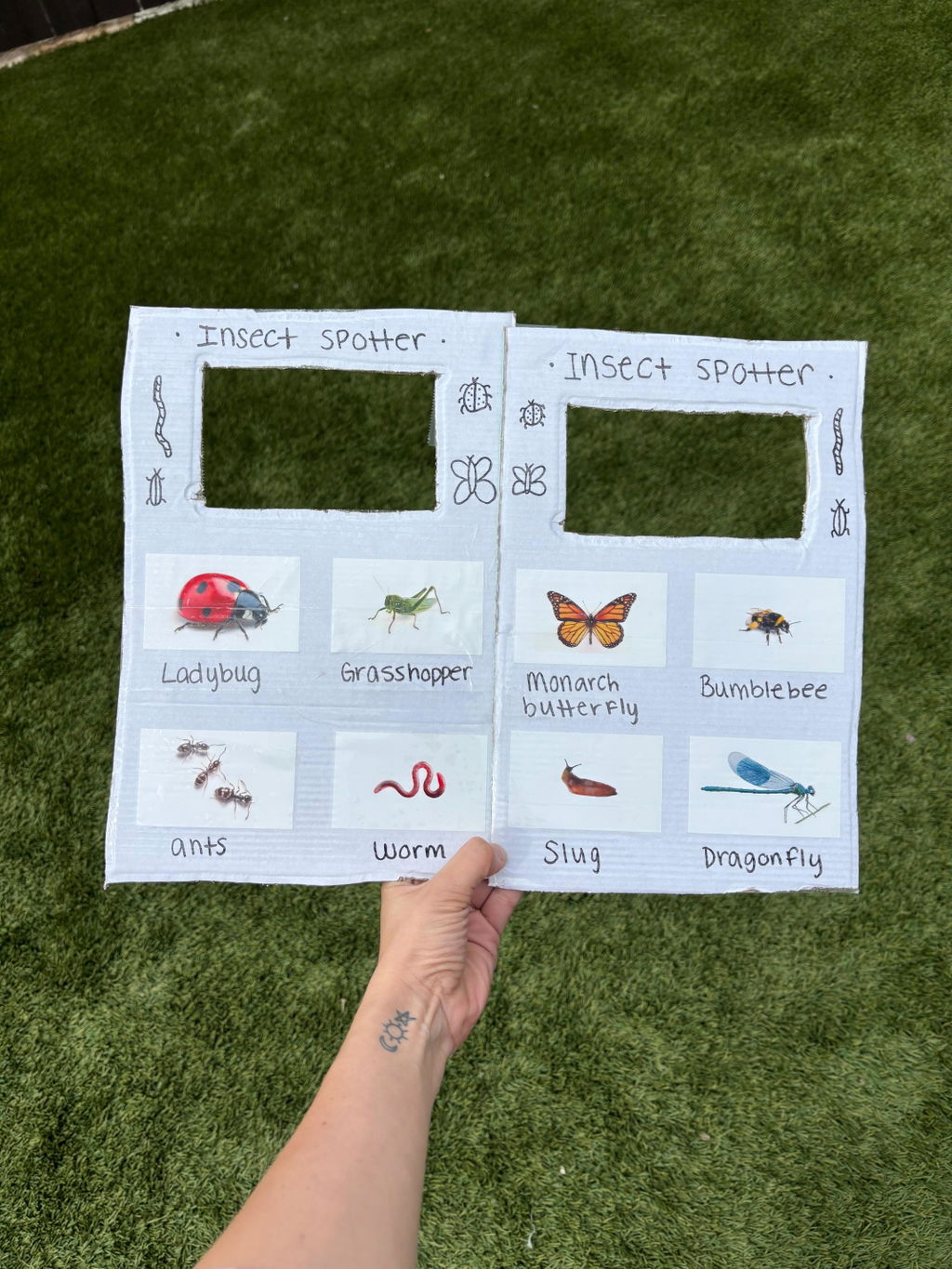
just get it!! we have two beaverbots now because the kids get soooo creative with them and immersed into their own projects!! an amazing way to get involved in play with your kids 🦋
S
It was the perfect gift. The adults loved it just as much. Have chewed through the recycling so fast. The machine was not loud at all. So easy to use. Exceeded expectations.
Frequently Asked Questions
Let Creativity Grow with Every Cut.